TABLE OF CONTENTS
This component automatically creates a table of contents of a page. Perfect for CMS blog articles. Customize both function and visuals to your needs.
How it works
It scans all of the headings on the page and automatically creates a dynamic table of contents. The component also tracks the heading's position to properly highlight the active section. It links to all of the listed sections as well.
There's nothing you need to do after the initial setup, which is especially useful for CMS blog pages. Just one properly set up component on the CMS page and you're done.
How to use it
place it on the page
set the settings to match your needs
customize the looks
TIP: Set the position to Sticky to make it stay in the viewport for the whole length of scrolling through the article.
Customization options
Here's everything you can do:
Headings
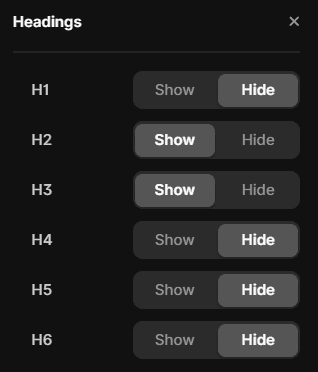
There's a list of all the headings and you can choose which to include and which to hide.
Scroll behavior
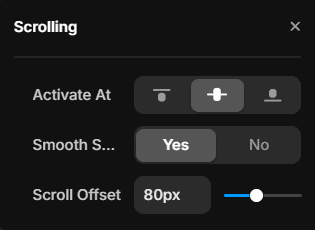
You can choose the position on the page that activates the section switch, toggle between smooth and regular scroll and set the scroll offset.
Colors
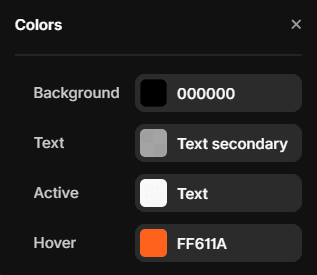
Tweak colors of the background, primary text, active text and hover.
Typography
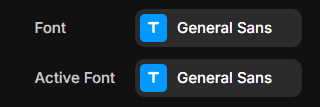
Customize fonts for both the primary and active variant.
Layout
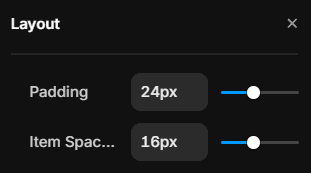
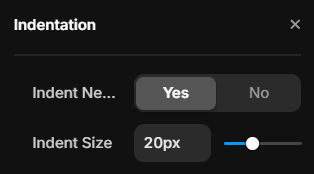
Customize padding, item spacing and indentation.
Active indicator
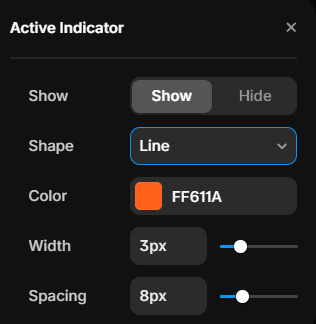
Switch it on or off, change color, width/size, shape and spacing.
Animations
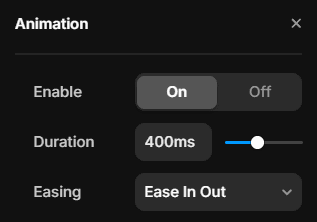
Enable or disable them, set the duration and easing options.